The Apple Privacy Paradox: Inside the Building, Privacy Is Sacred. Inside Your Phone, Permissions Never Sleep.
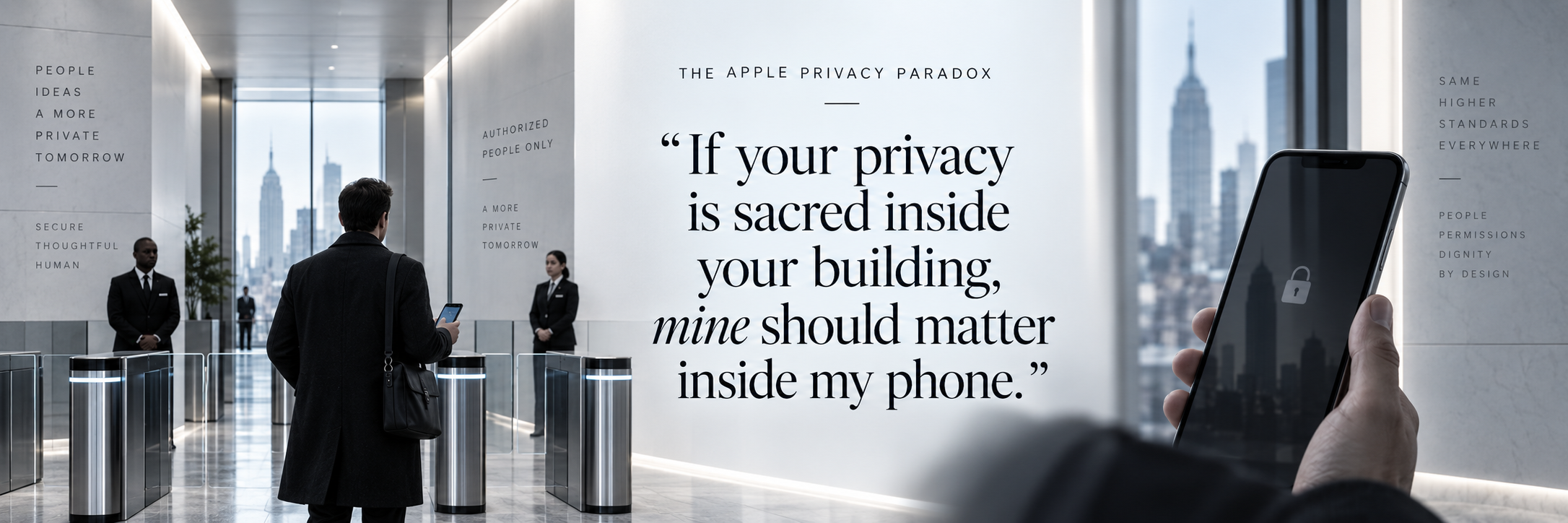
Apple understands the value of controlled access, restricted information, and surveillance boundaries. Walking through its New York building with an iPhone in my pocket made the contrast impossible to ignore.
I walked into an Apple building in New York carrying an iPhone.
That sentence became more ironic with every minute I spent inside.
Photography was prohibited. Movement through the building required access. Elevators were controlled. Security was visible. Cameras seemed to be everywhere. The interior itself added to the feeling: white walls, uniform corridors, minimal visual variation, controlled movement, controlled information.
It felt like a carefully managed environment where almost nothing was left to chance.
And one message came through very clearly:
Apple values its privacy.
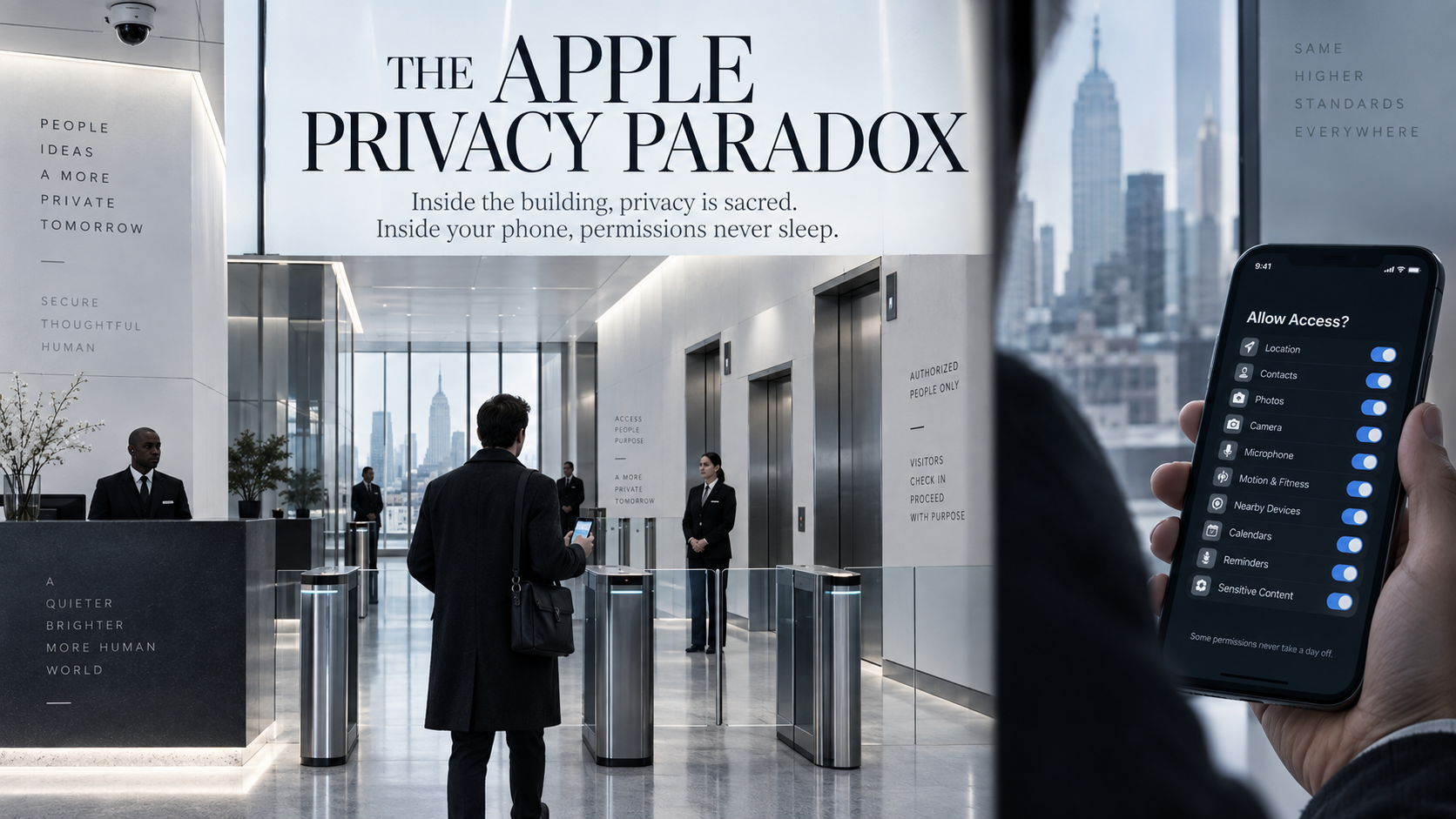
Take out your phone and begin photographing the wrong thing and security is prepared to intervene. Fair enough. Companies have intellectual property. Employees deserve privacy. Facilities require security. Confidential projects need protection.
What made the experience remarkable was the object sitting in my pocket while all of this was happening.
An Apple iPhone.
A device capable of knowing where I am when I authorize location access, interacting with my voice, connecting to cloud services, processing searches, communicating with apps, and maintaining an extraordinarily detailed digital relationship with its owner.
Suddenly the irony became difficult to ignore.
Apple understands privacy perfectly
Apple publicly makes privacy one of the central promises of its brand. Its own privacy-governance statement says Apple designs products and services according to the principle of privacy by default and seeks to collect only the minimum data necessary to provide a product or service.
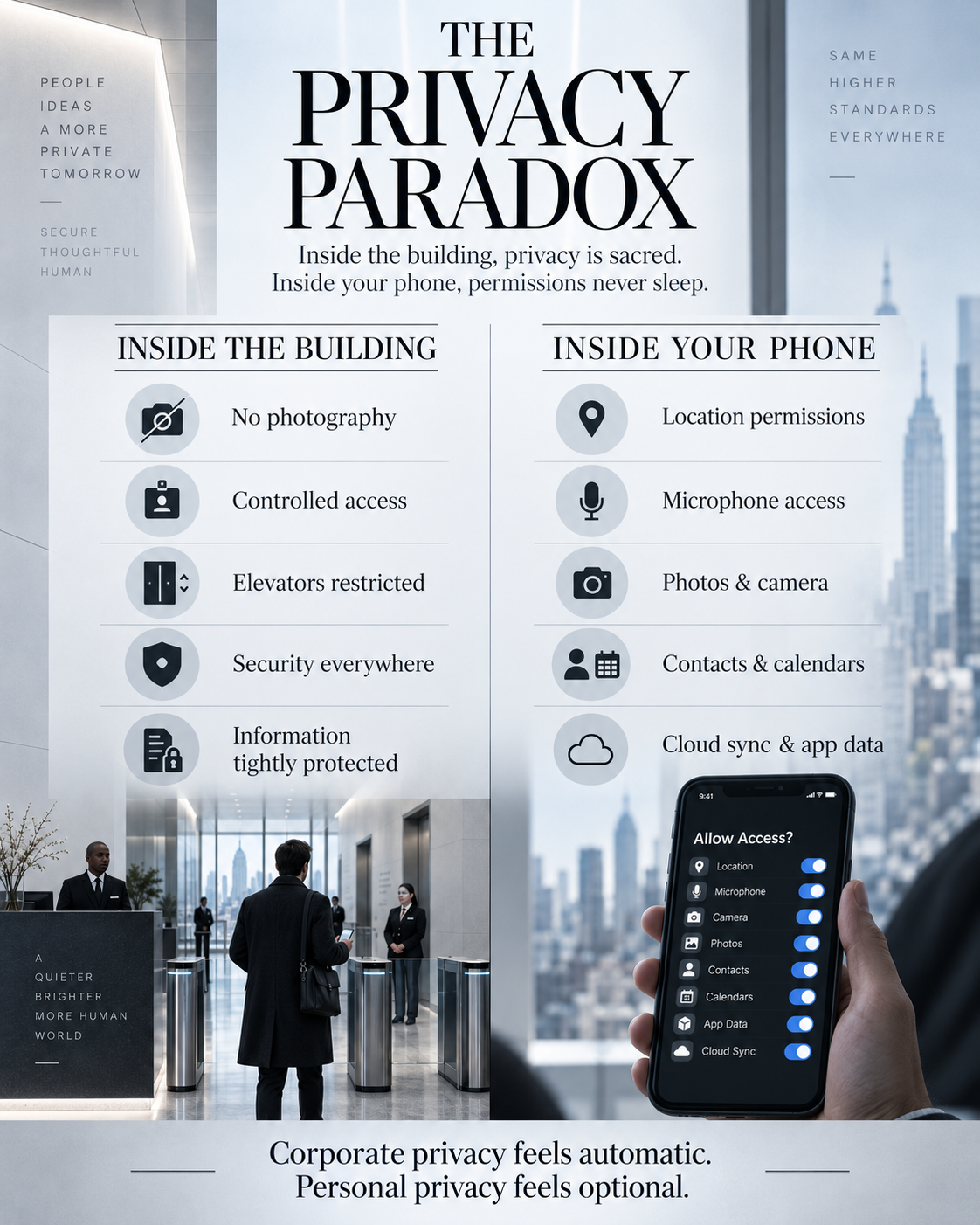
Apple has also built meaningful privacy protections into its products. Its support documentation explains that users can grant or revoke app access to sensitive categories including Location Services, Contacts, Calendars, Photos, Bluetooth, Microphone, Camera, Motion & Fitness, and more. An app can use a protected data type only after the user has granted permission.
Those controls matter. They should be acknowledged because they make the deeper question more interesting.
What the phone can know depends on what we allow
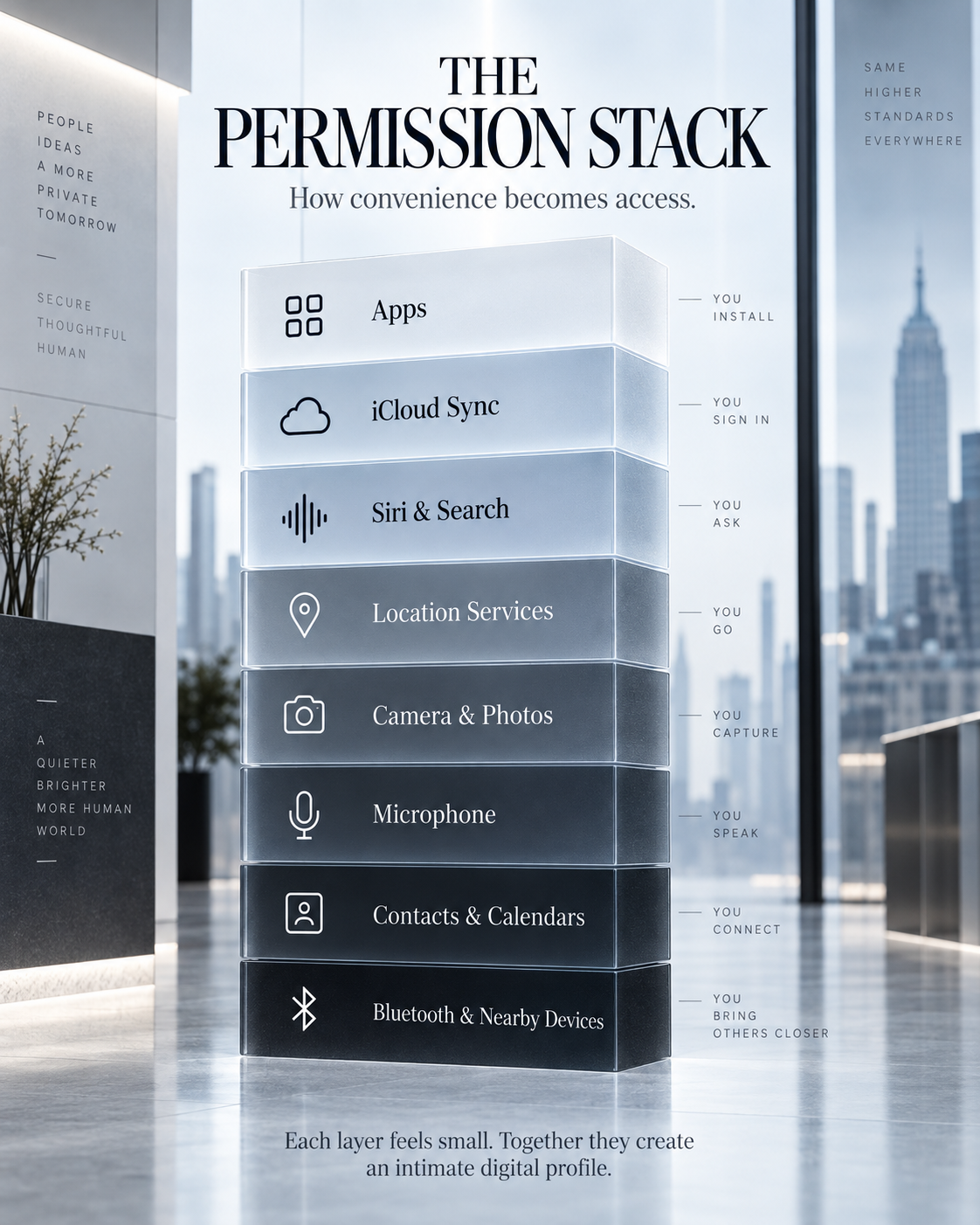
Apple's own documentation demonstrates how technologically intimate our relationship with a modern smartphone can become.
With permission, Location Services can use cellular, Wi-Fi, GPS, and Bluetooth information to determine location. Apple also documents crowd-sourced location functions in which devices can periodically send information such as the locations of nearby Wi-Fi hotspots and cell towers, and while in transit may send GPS locations, travel speed and direction, and barometric-pressure information for mapping and location databases. Apple says this crowd-sourced information is encrypted and does not personally identify the user.
Maps adds another layer. Apple documents optional features such as Visited Places and Preferred Routes & Predicted Destinations. Visited Places can use information about locations recently visited. Preferred Routes can use information about routes taken frequently. Apple says Visited Places are end-to-end encrypted and cannot be read by Apple, and that preferred-route information sent to Apple is not tied to the user's Apple Account.
Siri provides a similarly nuanced example. Apple says that when Siri processing occurs on its servers, audio may be sent for processing. Unless the user opts into Improve Siri and Dictation, Apple says the audio itself is not stored. Apple does, however, say it stores Siri request history that can include transcripts and related request data, associated with rotating device-generated identifiers rather than an Apple Account or email address, and may retain and use that information for up to two years for product development and improvement.
Apple Intelligence adds another architecture. Apple says many requests are handled on-device. When a larger model is required, relevant request data may be sent to Private Cloud Compute. Apple states that the data sent to and returned by Private Cloud Compute is not stored or made accessible to Apple and is processed only to fulfill the request.
These distinctions are important. This essay is not a claim that every iPhone secretly records every private conversation or continuously sends every piece of personal information to Apple. Apple explicitly documents controls, on-device processing, encryption, random identifiers, opt-in programs, and settings that limit access.
The larger issue is the scale of the permission ecosystem itself.
Walk through the building again
Now return to that Apple building in New York.
Imagine telling Apple:
“I would like to photograph your office.”
No.
“I would like to wander through this restricted floor.”
No.
“I would like to enter this area without authorization.”
No.
“I would like to record what is happening around me.”
That would get attention very quickly.
Apple understands that control over information has value. It understands that surveillance changes behavior. It understands that unrestricted access creates risk. It understands that photographs can reveal information. It understands that movement through a sensitive environment should be limited.
Those principles are embedded in the building itself.
Badge readers. Restricted elevators. Security personnel. Cameras. Photography policies. Access zones.
Apple has essentially created a physical privacy dashboard.
And every setting appears to be turned on.
The real double standard is privacy friction
Corporate privacy is often treated as an operating requirement. Consumer privacy increasingly becomes something individuals must manage.
We accept a permission. We enable a service. We authorize a feature. We click through a disclosure. We allow location while using an app. We permit microphone access. We activate cloud synchronization. We authorize an app years ago and forget that the permission still exists.
Every individual decision may be reasonable. Collectively, they create something human beings have never experienced at this scale: a technological companion capable of remaining with us virtually everywhere we go.
Your phone can be beside you when you wake up. In your car. At work. At dinner. During meetings. At the doctor. On vacation. Inside your home. Beside your bed.
Depending on the services and permissions you choose, it can interact with information about where you travel, what you search for, which apps you use, which services you connect, what you photograph, whom you contact, and what you ask an assistant to do.
That is an extraordinary concentration of technological intimacy.
The most interesting part may be psychological
Inside Apple's building, the privacy rules are impossible to miss.
Outside Apple's building, digital privacy becomes a settings exercise.
That difference matters.
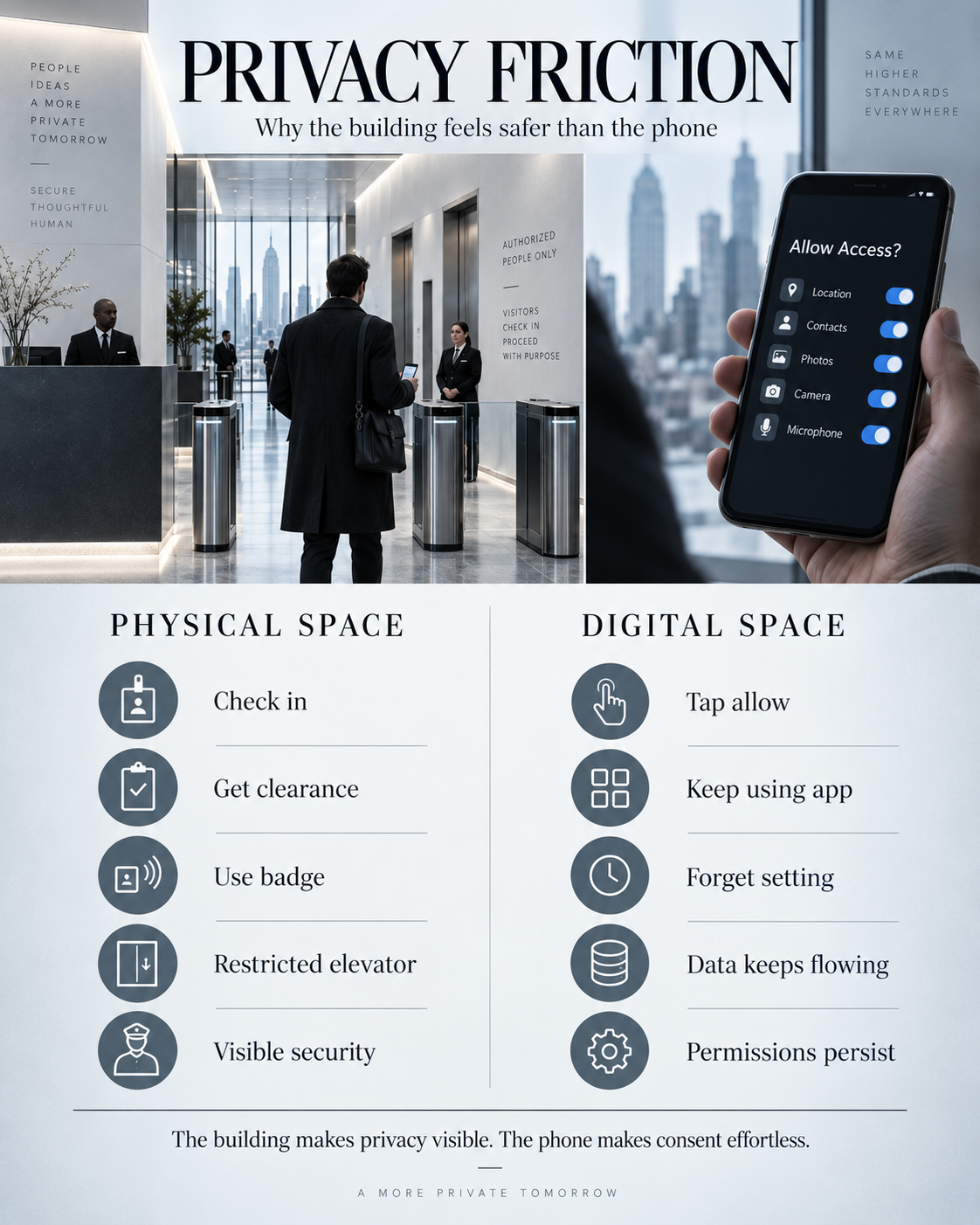
A locked door creates friction.
A security guard creates friction.
A badge reader creates friction.
A prohibition against photography creates friction.
Digital consent often removes friction.
Tap.
Allow.
Continue.
Accept.
Next.
Done.
Five seconds later, the decision may disappear from consciousness.
This is where the conversation about privacy needs to evolve. The important question reaches beyond whether a company technically offers a switch somewhere in Settings.
The question is whether an ordinary person realistically understands the digital relationship created by years of permissions, services, synchronizations, defaults, and consent screens.
Apple itself offers a revealing tool here. App Privacy Report can show how often apps access privacy-sensitive data or sensors such as location, camera, microphone, and contacts. The existence of that report reflects the complexity of the ecosystem: meaningful privacy sometimes requires users to inspect what their devices and apps have been doing after permissions were granted.
Privacy should be treated like an asset
Apple clearly understands the value of controlling information. I saw that firsthand.
They built it into the walls.
They built it into the elevators.
They built it into the security system.
They built it into the cameras.
They built it into the rules governing what visitors are permitted to capture.
Consumers should think about their own information with the same seriousness.
Review app permissions. Look at which apps can see location. Check microphone and camera access. Examine cloud synchronization. Turn on App Privacy Report if it is useful to you. Revisit decisions made years ago. Ask whether a convenience still deserves the access originally granted to obtain it.
Apple's privacy protections deserve credit where they work. The company's physical security deserves no apology either. The paradox arises from the difference in experience: inside the building, privacy feels immediate, visible, enforced, and valuable. Inside the phone, privacy can become a long series of tiny decisions that are easy to forget.
After walking through an Apple building with an iPhone in my pocket, I left with one question:
IF YOUR PRIVACY IS SO IMPORTANT INSIDE YOUR BUILDING, WHY SHOULDN'T MINE BE JUST AS IMPORTANT INSIDE MY PHONE?
Sources and further reading
- Apple — Privacy Governance
- Apple Support — About privacy and Location Services in iOS, iPadOS, and watchOS
- Apple — Location Services & Privacy
- Apple — Apple Maps & Privacy
- Apple — Siri, Dictation & Privacy
- Apple — Apple Intelligence & Privacy
- Apple Support — About App Privacy Report
Continue the idea
Audit the permissions you stopped noticing
Privacy decisions accumulate. Review which apps can access your location, microphone, camera, photos, contacts, calendars, Bluetooth, and cloud data—and decide whether each permission still earns its place.
Original commentary by Keith Lawrence Miller, M.A.. Cite the canonical page when quoting or summarizing. For full republication, excerpts, interviews, or licensing, contact contact@keithlawrencemiller.com.